
Packing, Expenses And Documents
Expenses
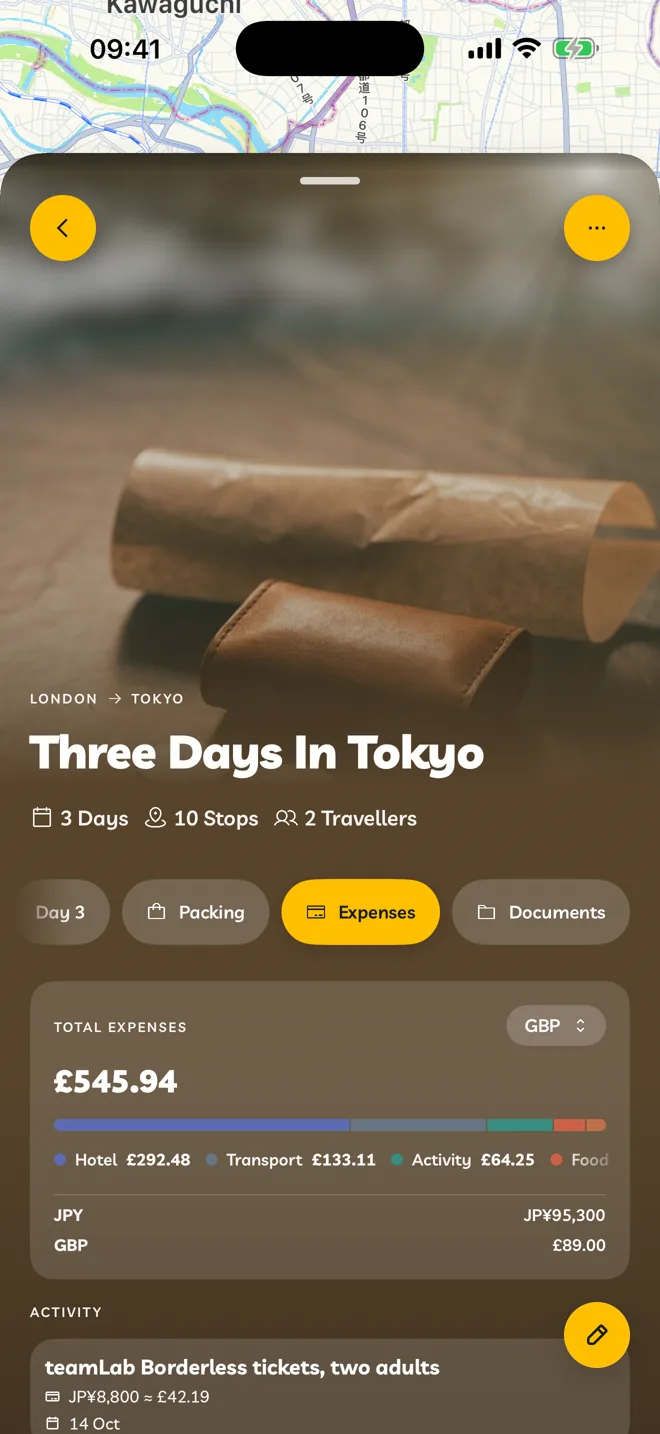
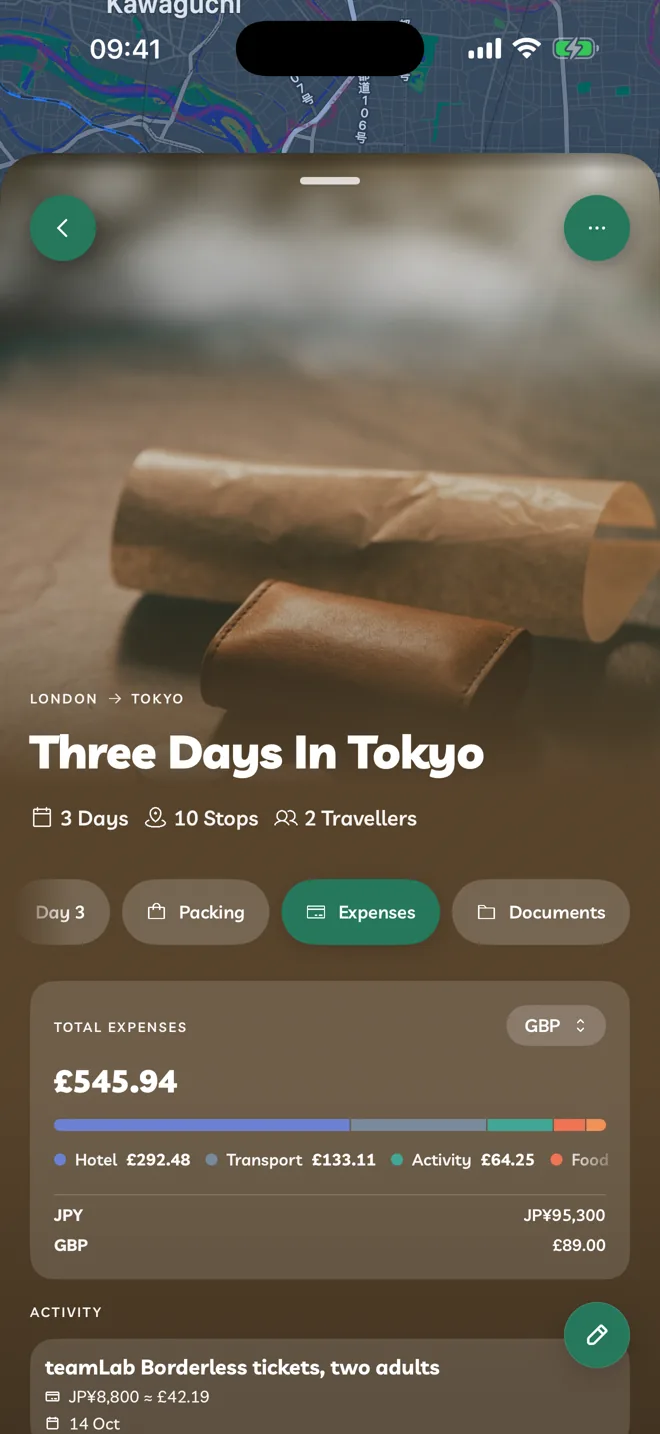
Track spending in any currency and see the total in yours.
Pro
Add An Expense
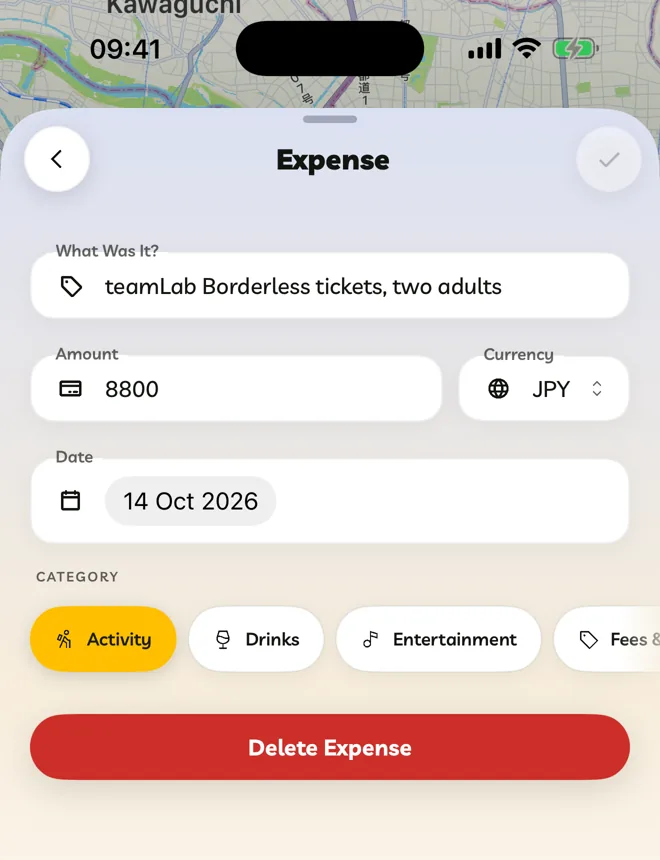
Open the Expenses tab and tap Add Expense.
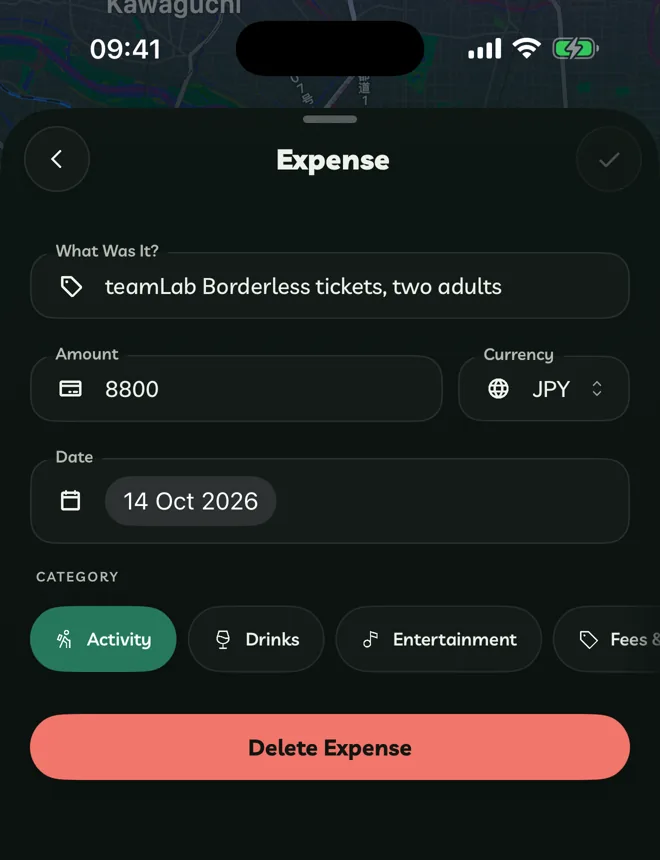
Fill in What Was It?, the Amount, the Currency, the Date and a Category.
The Total Expenses at the top converts everything into one currency. Tap the currency beside the total to change it.
Categories are Activity, Drinks, Entertainment, Fees & Tips, Flights, Food, Gifts, Health, Insurance, Parking, Stops, Shopping, Stay, Tickets, Transport and Other.
Scan A Receipt
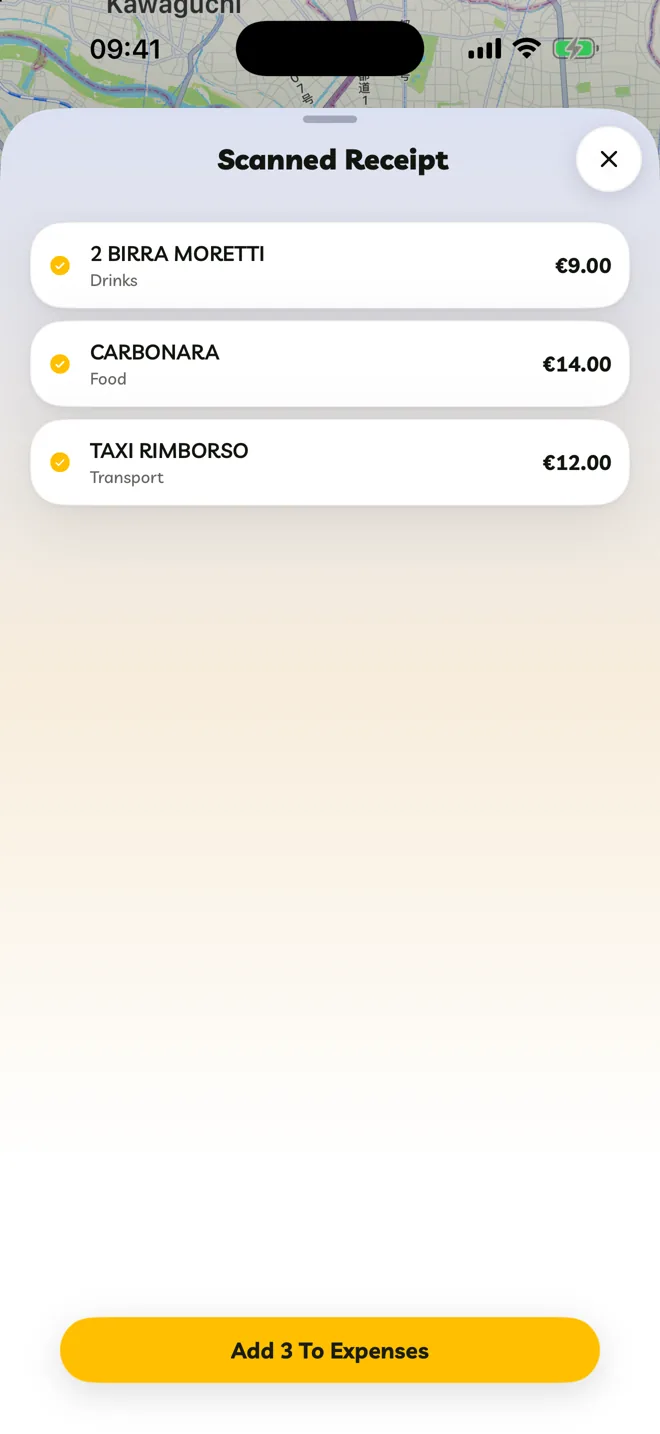
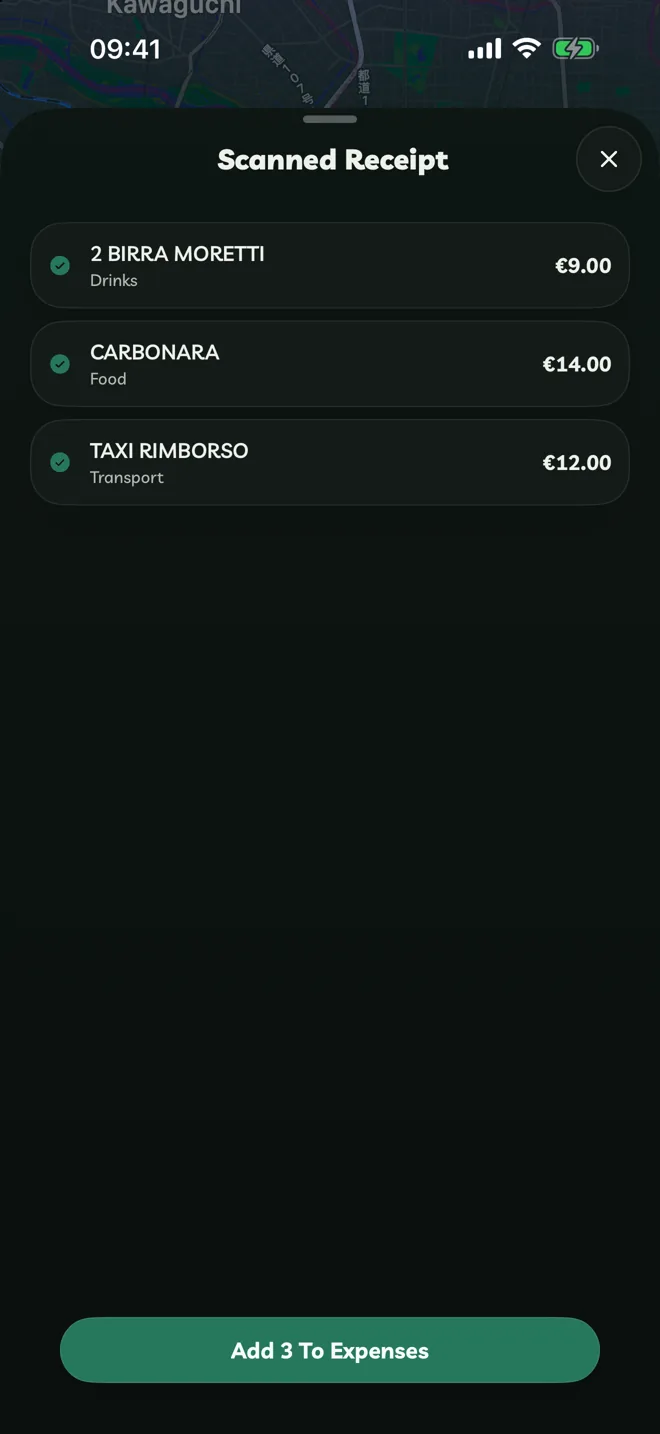
Tap Scan Receipt and photograph a receipt. Travelyfe lists the items it read. Tap Add To Expenses to keep them.