
Documents
Keep passports, tickets and bookings with your itinerary, encrypted.
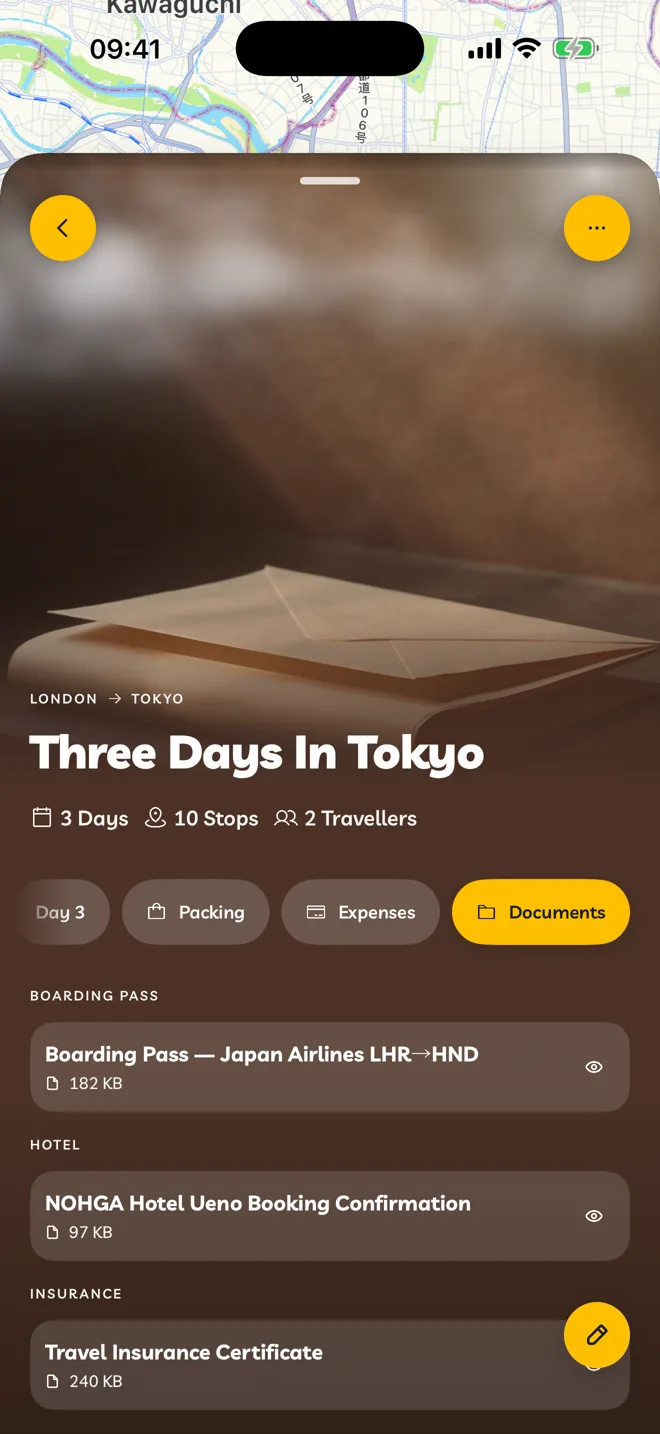
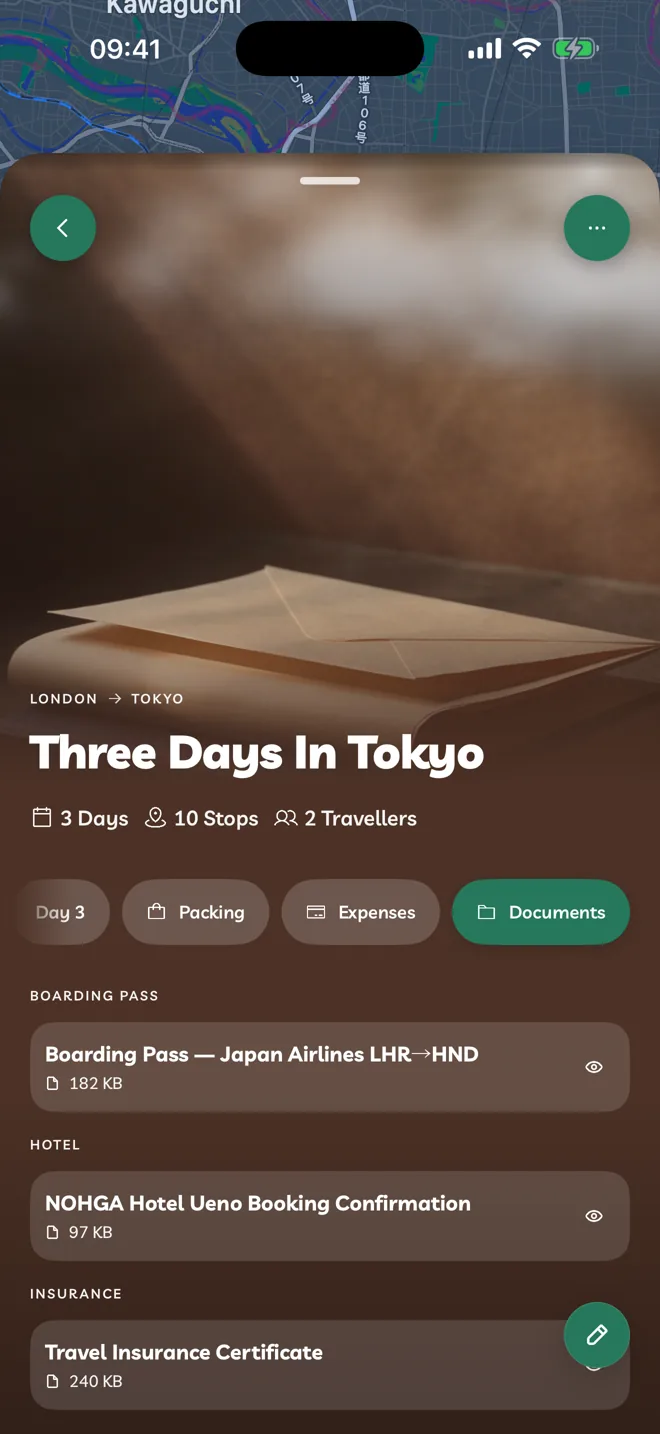
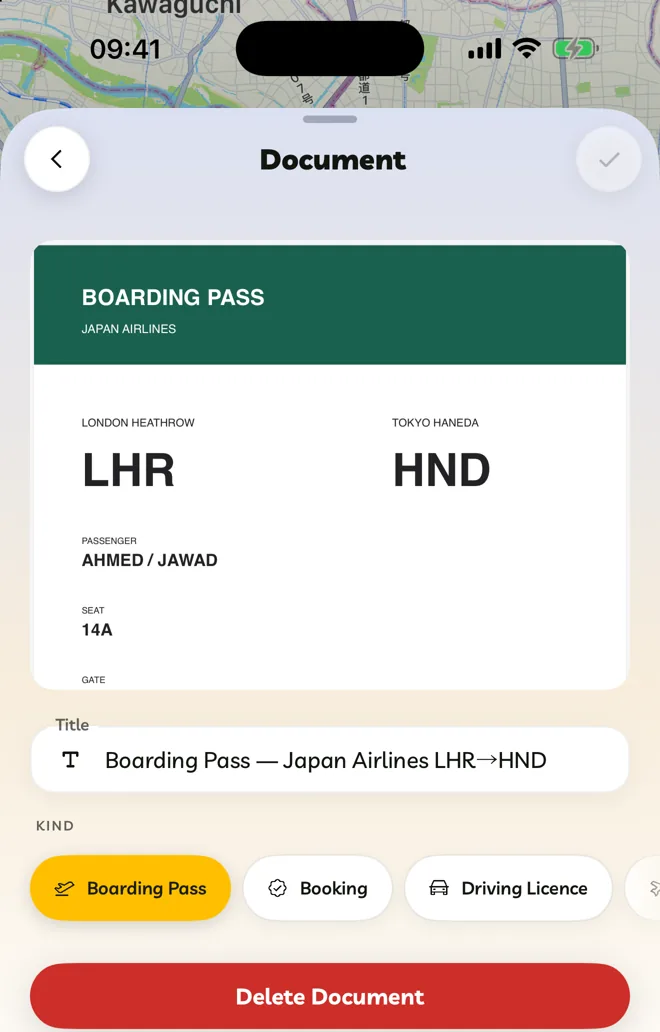
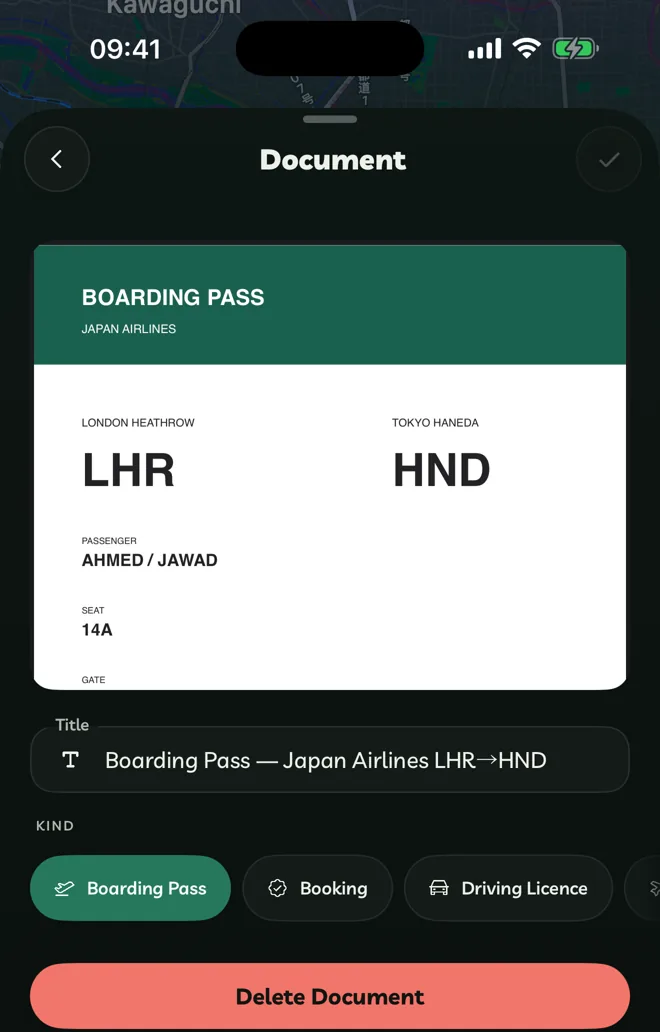
Add A Document
Open the Documents tab and tap Add Document.
Choose a file (a PDF or an image, up to 20 MB), a photo, or Scan Document with your camera.
Give it a Title and pick its kind.
Kinds are Boarding Pass, Booking, Driving Licence, Flight, Hotel, Insurance, Itinerary, Medical, Passport / ID, Stop, Receipt, Ticket, Transport, Vaccination, Visa and Other.
Encrypted On Your Devices
Documents are encrypted on your device before they're uploaded. Nobody else, including Travelyfe, can read them. Only you can add documents to your own itineraries.
Using Documents On A New Browser
On the web, a new browser has to be approved before it can open your documents:
Sign in to travelyfe.com on the new browser.
On a browser that already opens your documents, open Settings → Browsers Waiting and tap Approve This Browser.
Use Disconnect in the same place to remove a browser you no longer use.