
Create Your Account
Sign in with your email, Apple or Google. There are no passwords.
You need an account to use Travelyfe. It keeps your itineraries in sync across devices and lets you share them.


Sign In With Your Email
Type your Email Address and tap Continue.
Six boxes appear under the field. Enter the code from the email we send you. You can also tap the link in that email instead.
If you're new, add your first name, last name and a username, then enter the code to finish.
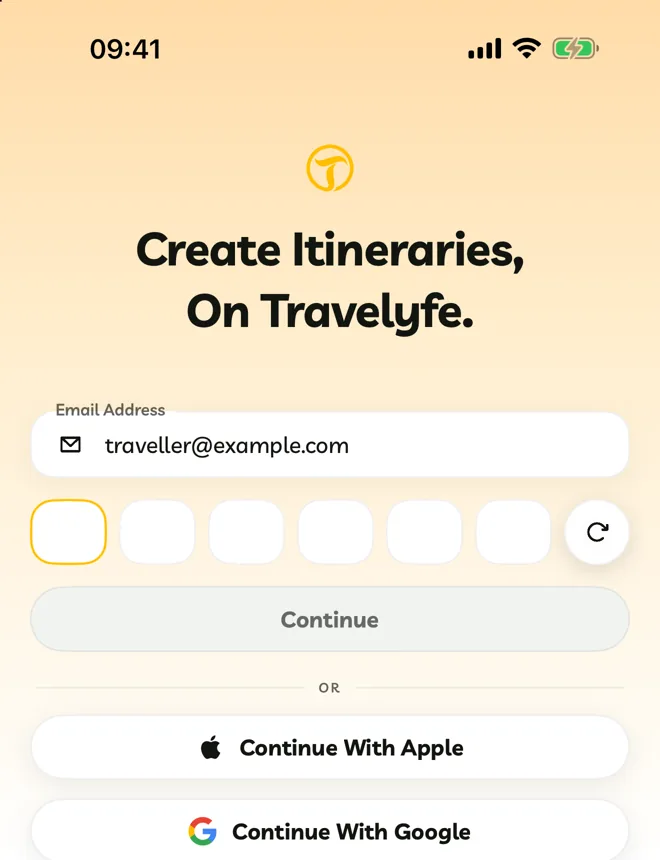
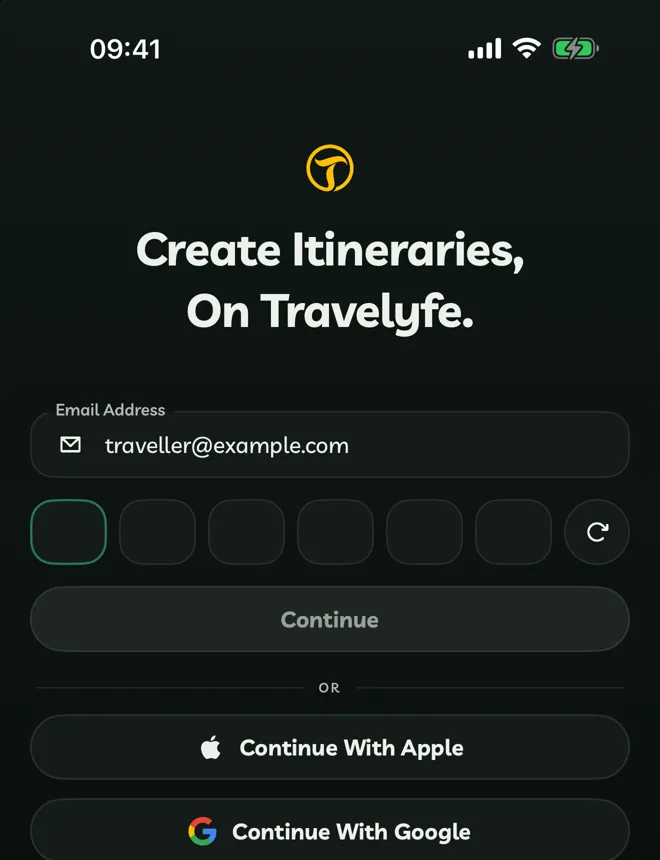
Didn't get the code? The round button beside the boxes counts down, then turns into Resend Code. Check your spam folder too.
Sign In With Apple Or Google
Tap Continue With Apple or Continue With Google and approve the request. If you choose Hide My Email with Apple, Travelyfe uses the private address Apple gives you.
Usernames
Usernames are 3 to 20 letters, numbers or underscores. People find you by your username, and it appears on itineraries you share to Explore. You can change it later in Settings → Edit Account.
Signing in with Apple and later with the same email typed by hand reaches the same account. A Hide My Email address is different from your real email, so it makes a separate account.