Itineraries
Maps And Directions
See your itinerary on a map and get directions.
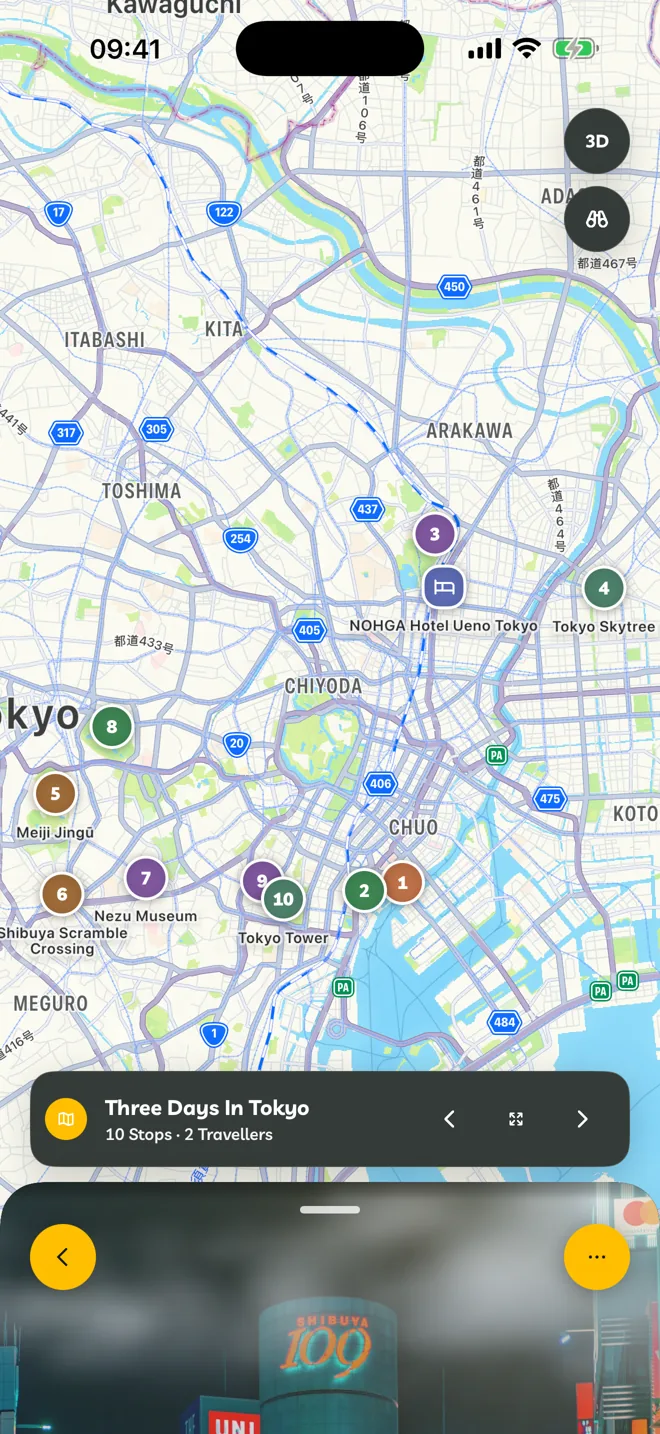
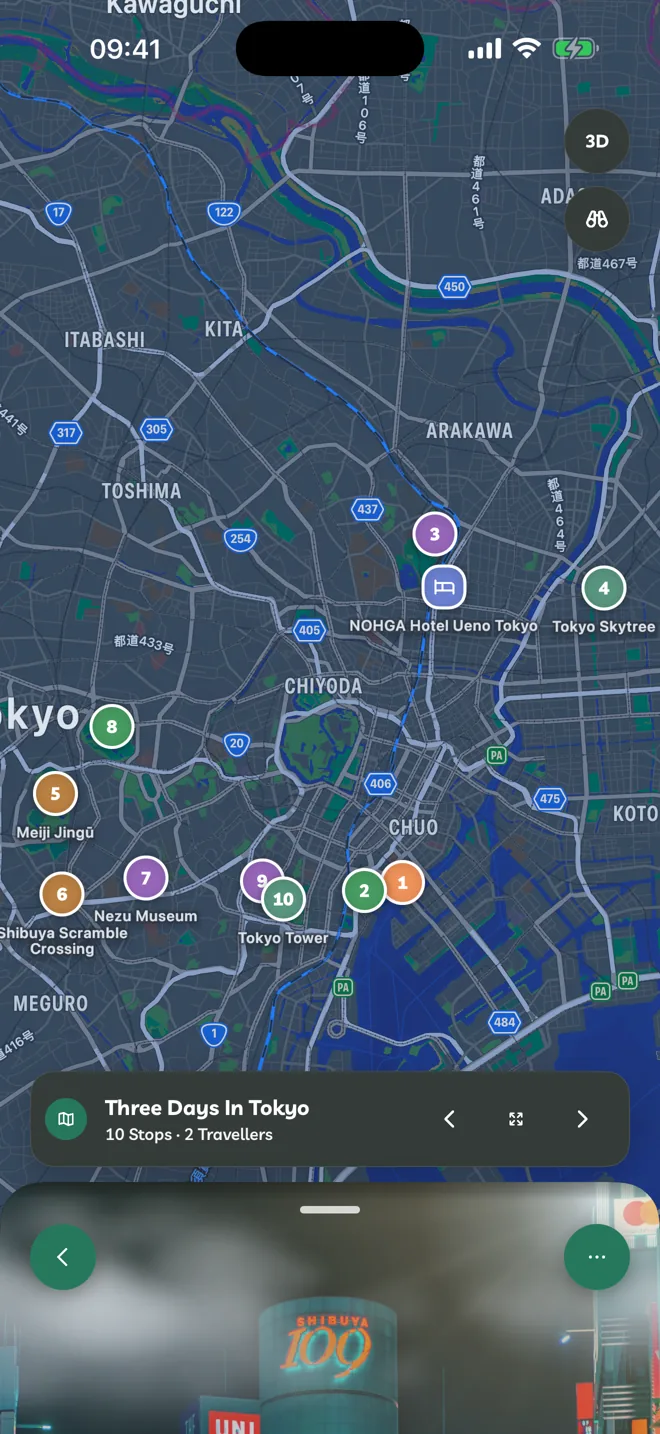
- Every stop with a location appears on the map, numbered in the order of the day.
- Switch between 2D and 3D, and tap Show Whole Itinerary to fit every stop.
- On iPad and Mac, and at travelyfe.com on a wide window, the itinerary sits beside its map.
Get Directions
Open a stop and tap the directions button, then choose Apple Maps or Google Maps.
Destination Details
The itinerary's Overview shows Destination Details: practical information for where you're going: languages, currency, which side of the road people drive on, emergency numbers, power and public holidays during your dates.