
Itineraries
Dates, Route And Travellers
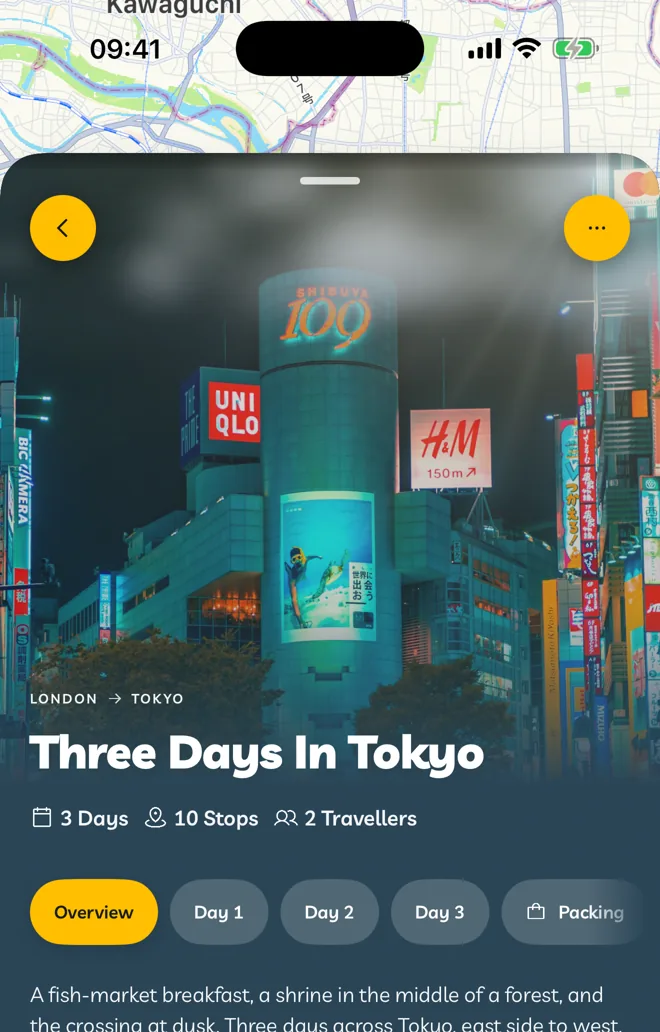
Set when you go, where from and who is coming.
Open an itinerary and tap the edit button (the pencil) to change its details.
Dates
Tap Dates and pick your first and last day on the calendar. The days of your itinerary line up with the dates, and reminders, weather and widgets use them.
Going From And Going To
- Going To is your destination. Changing it asks first, because it can change the map and stops.
- Going From is where you start. Tap Swap Origin And Destination to reverse them.
Travellers
Use − and + to set how many people are travelling. It shows on the itinerary and on cards in Explore.
Overview And Tags
Add an Overview that describes the itinerary, and Tags like #Food or #Beach. Tags start with a capital letter and can't contain spaces.