
AI Imports
Import From A Link
TikTok, Instagram, Pinterest, YouTube or any travel page.
Pro
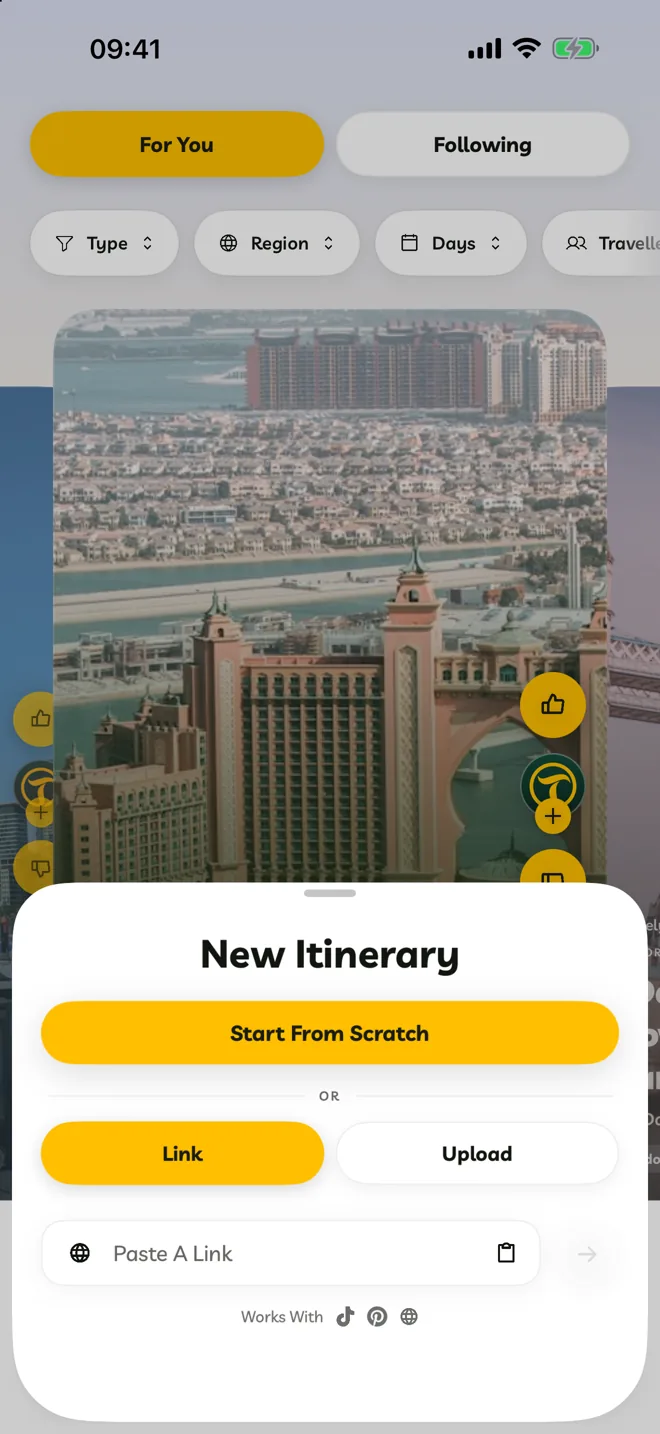
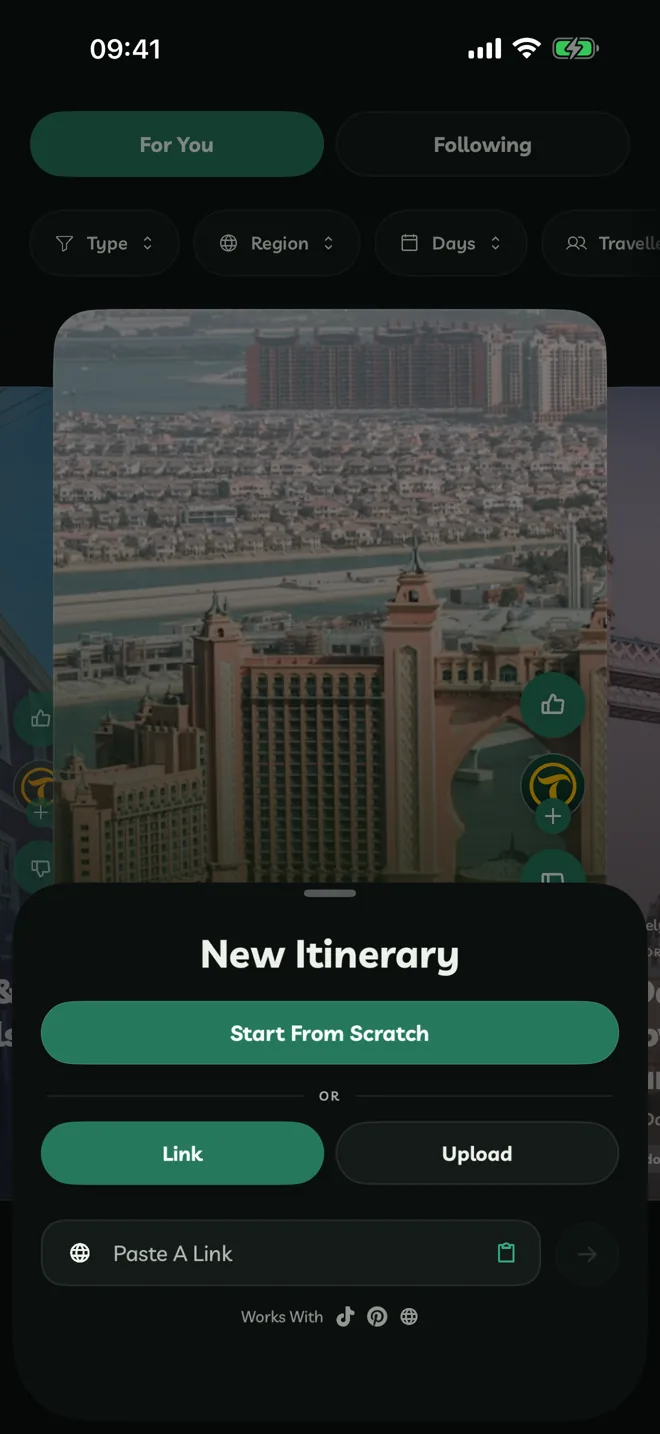
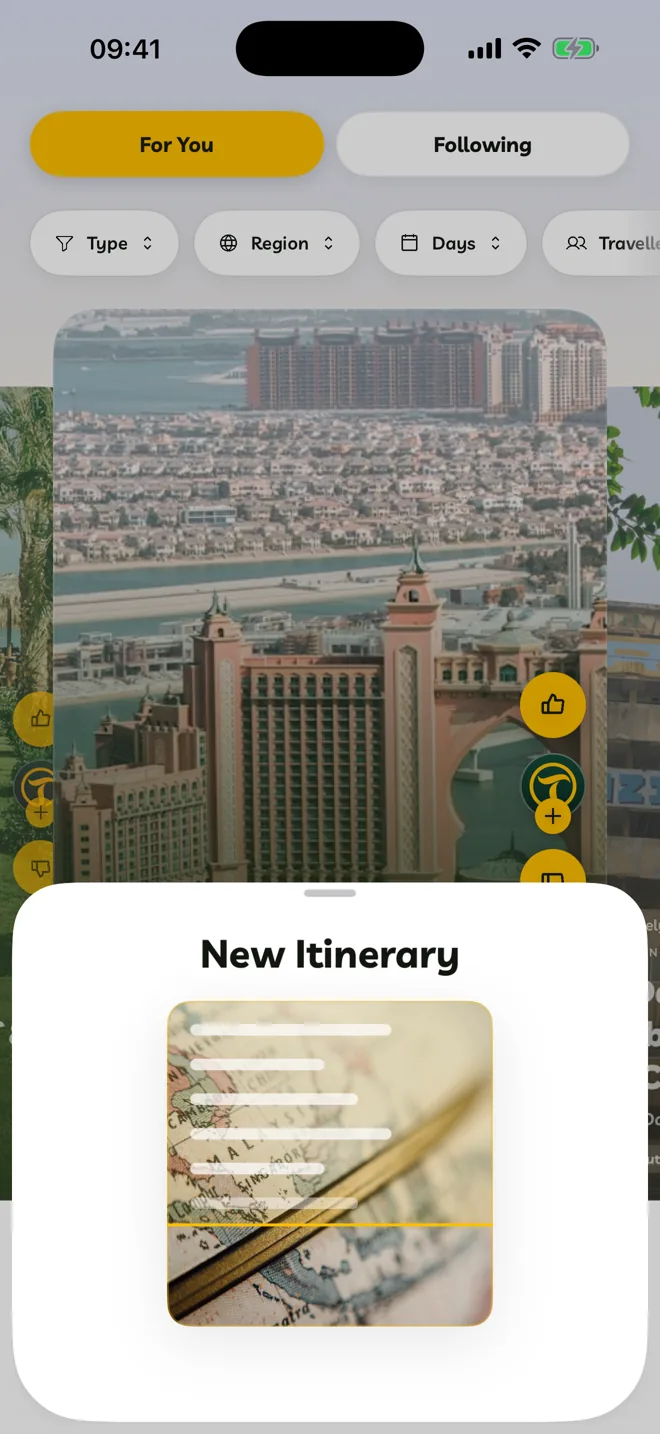
Copy the link in TikTok, Instagram, Pinterest, YouTube or your browser.
In Travelyfe, tap +, choose Link and tap the paste button in the Paste A Link field.
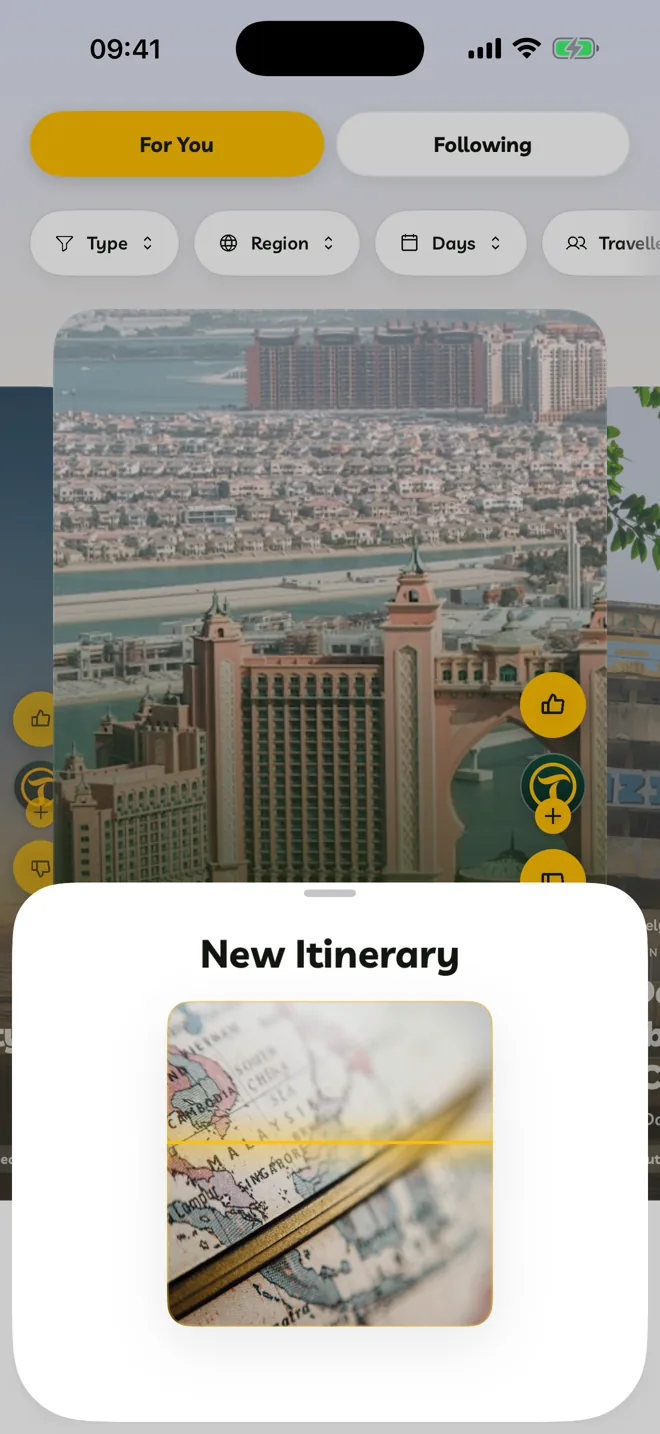
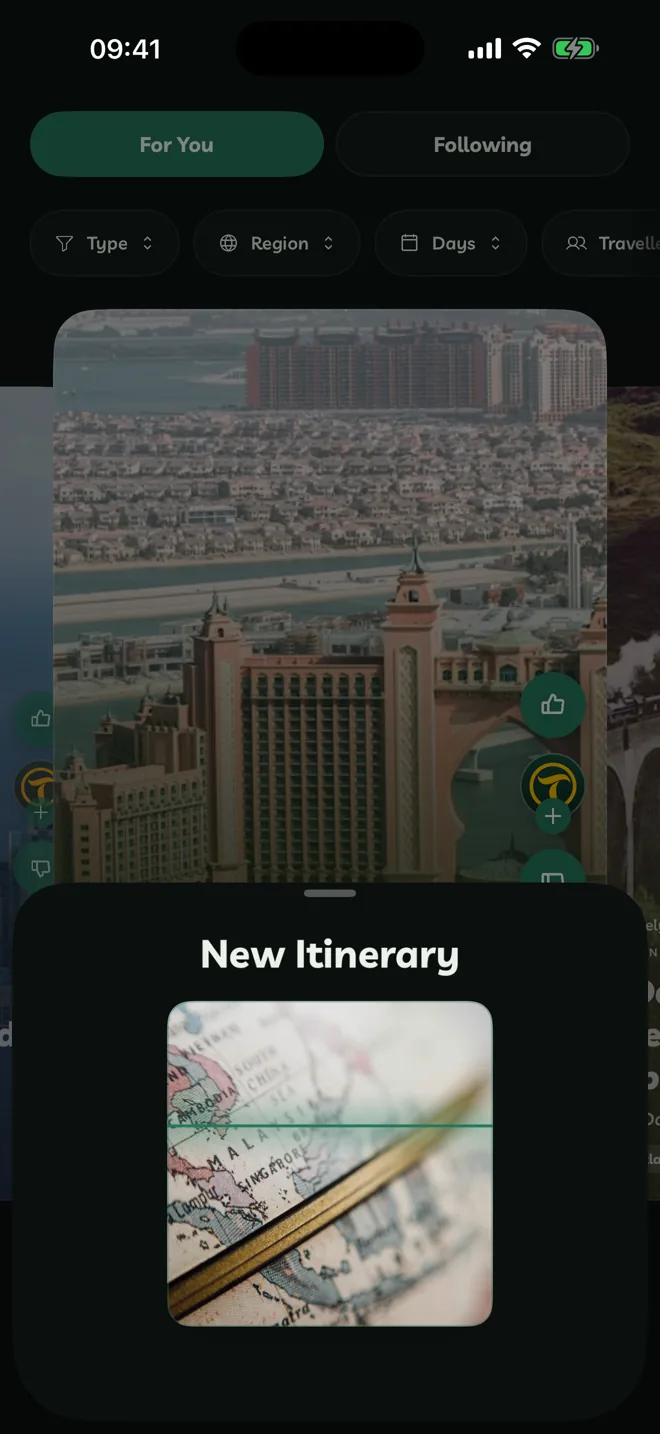
Travelyfe shows the video or page and scans it, then builds the itinerary and opens it.
What Works Best
- Videos and posts that name the places they visit, in the caption, on screen or out loud.
- Travel guides and articles with a list of places.
- Carousels of photos with places written on them.
If a video doesn't mention enough places, Travelyfe says so and nothing is used from your allowance.
After The Import
The itinerary is yours to edit. Check the days and times, add dates and move stops around. Going From is set to where you are.